 WaveLooper
Press
Looper and song sketchpad for your Mac
WaveLooper is a looper and song sketchpad for the Mac, made by Jiří Dolinski in Brno, Czech Republic.
About WaveLooper
It sits between a looper pedal and a DAW. Press Record and play, and the first loop sets the tempo. It records from an audio interface, the Mac's microphone or anything the Mac plays.
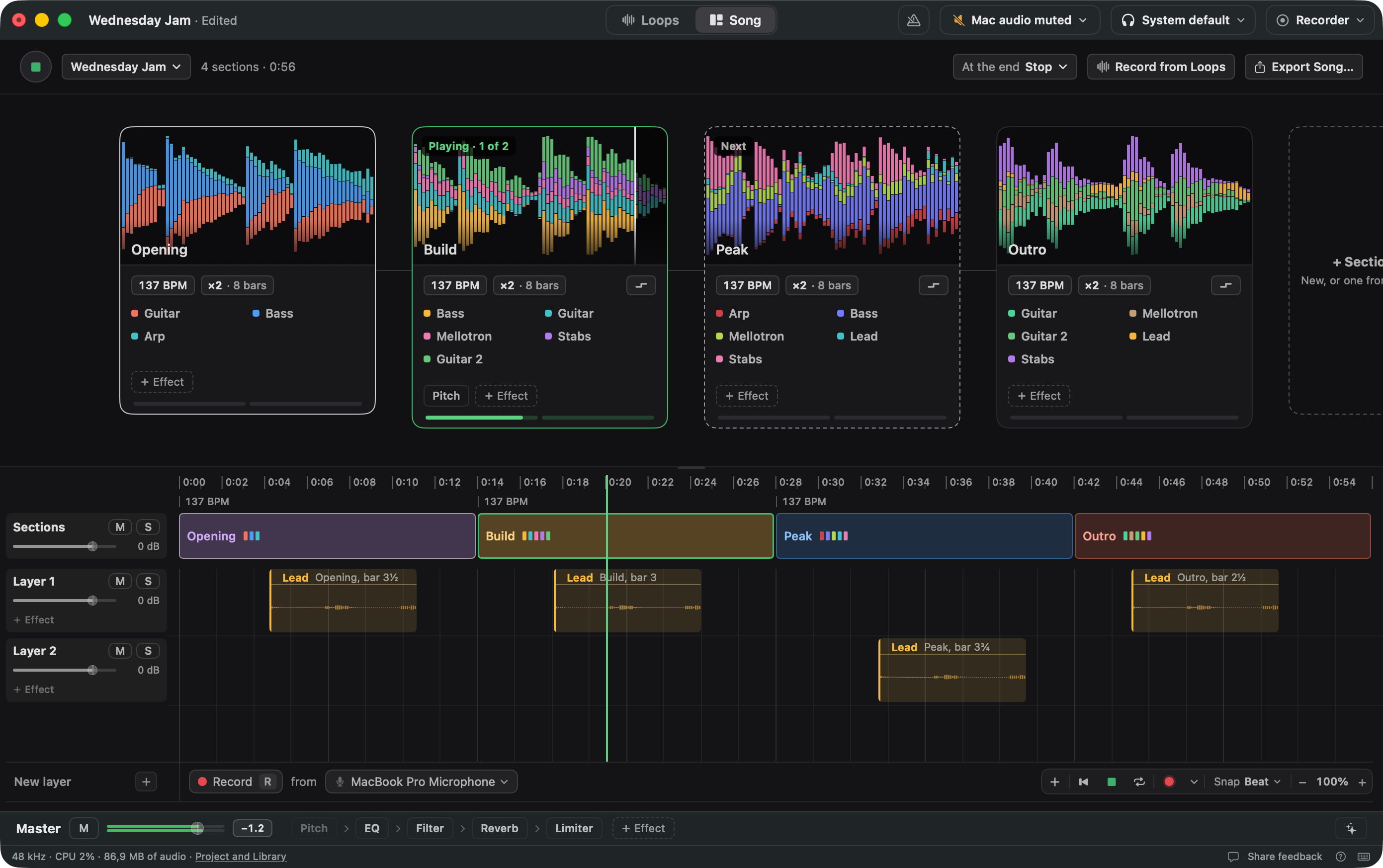
Each loop has its own effects and Audio Unit plug-ins, and a sample and spectrum editor. Loops group into sections that switch while everything plays, and the sections become a song. Export as WAV, or take loops to any DAW or Ableton Live.
Fact sheet
- What it is
- Standalone Mac app, not a plug-in
- Runs on
- macOS 14.2 or later
- Release
- Public beta, free until 15 January 2027. Useful feedback gets a free 1.0 licence
- Price
- 1.0 will be a paid app, no subscription
- Free version
- From 1.0: up to 6 loops, no Song
- Records from
- Audio interfaces, the Mac's microphone, Mac audio or one app
- Effects
- 12 built in, Audio Unit plug-ins, Limiter on the master
- Export
- WAV, layer files, Ableton Live set
- MIDI
- MIDI Learn, MIDI clock in and out
- Account
- None. Works offline
- Made by
- Jiří Dolinski, Brno, Czech Republic
- Press contact
- info@wavelooper.com
What it does
- Classic looper functions - recording, looping, layering
- Autotempo - no need to set the tempo in advance or arm tracks - the first recorded loop sets the tempo
- Built for quick action - in DAWs, ideas get lost in all the clicking, arming tracks and setting BPM before you play a note. Here you just press record and keep going
- Records your audio interface, MacBook microphone, or whatever is playing on your Mac - listening to something cool? Record it, loop it, chop it up
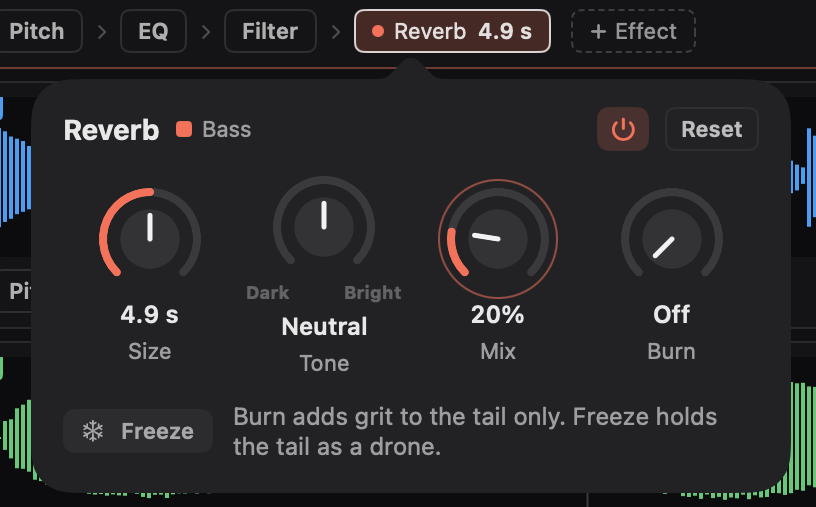
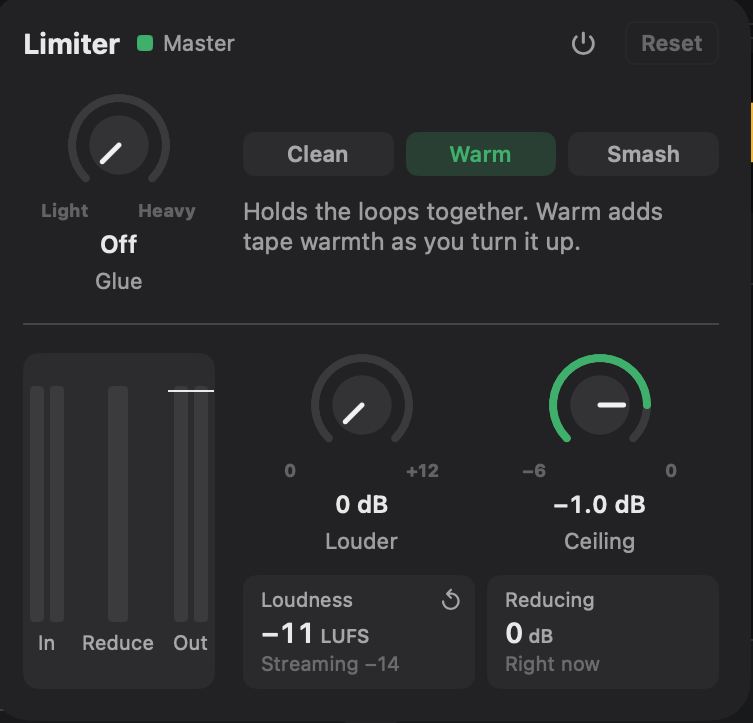
- 12 built-in effects + your Audio Unit plug-ins, with a limiter on the master bus
- Group your loops into sections while everything keeps playing, then build a song from those sections
- Multiple inputs and outputs: group several inputs and record them in one take (say 8 drum mics), each to its own loop and its own output
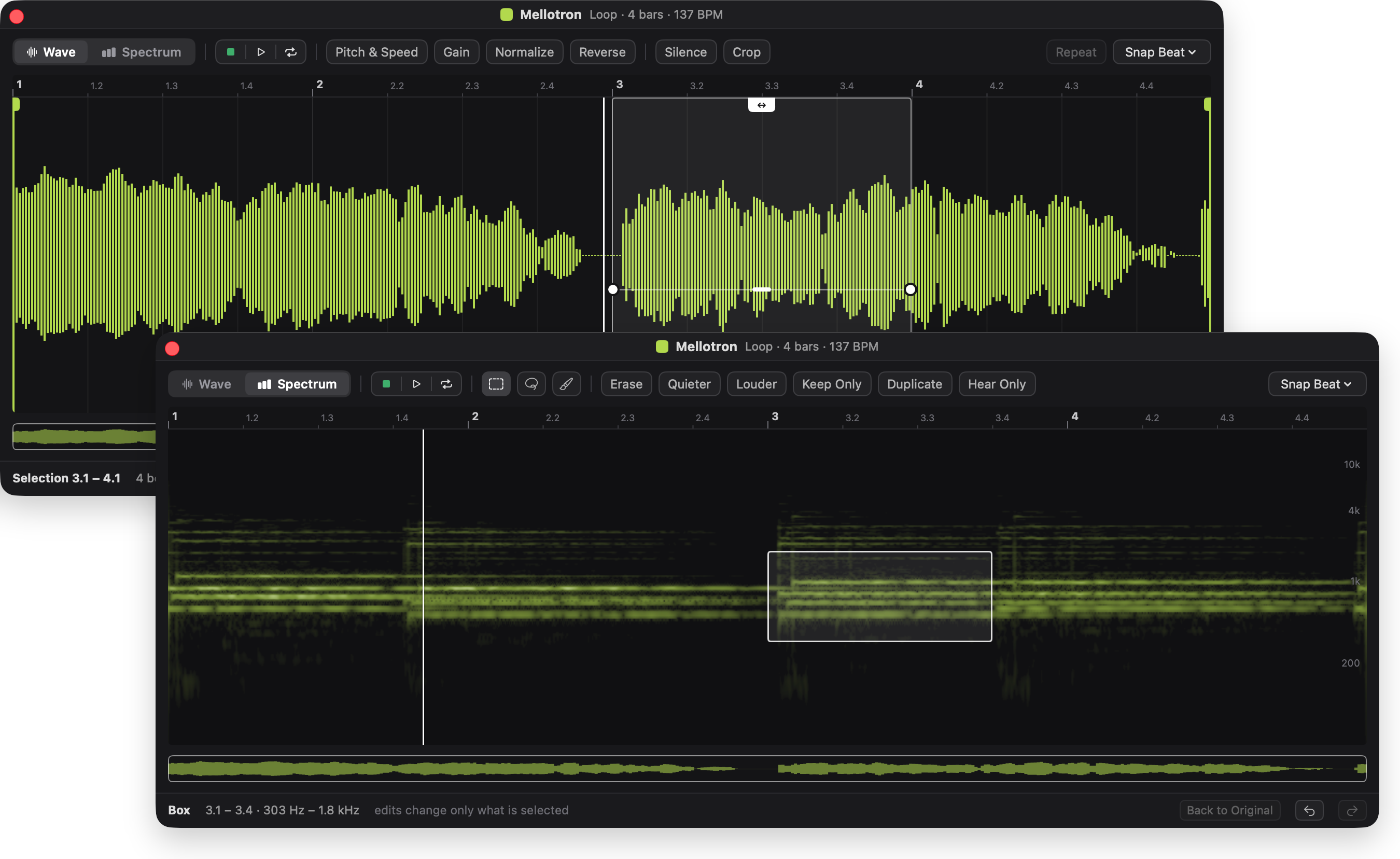
- Shape your loops with the built-in sample editor and the spectrum editor - where you can draw right into the loop's spectrum
Everything else is in the full feature list.
Video
Header image
PNG, 2400 × 1260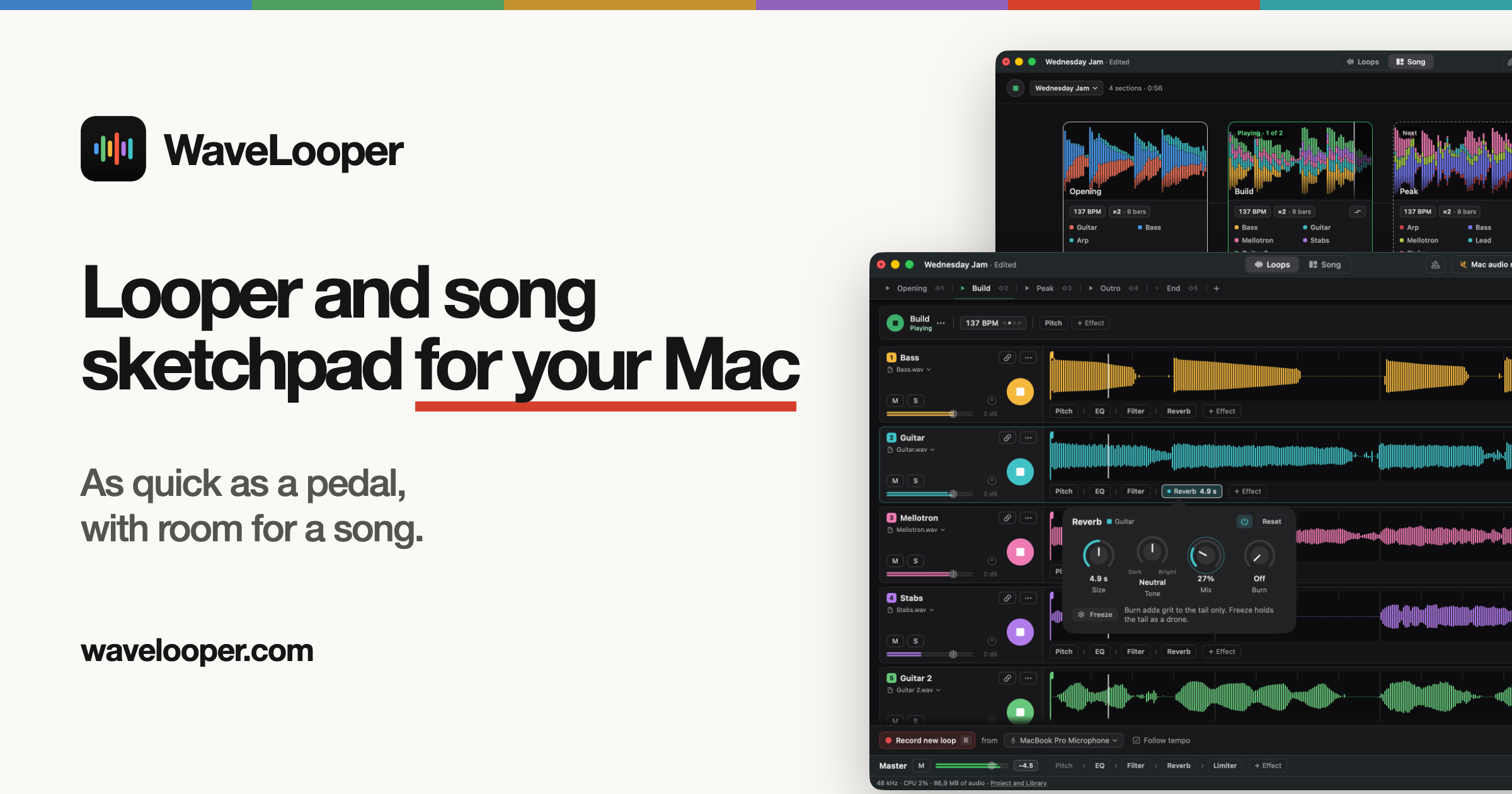
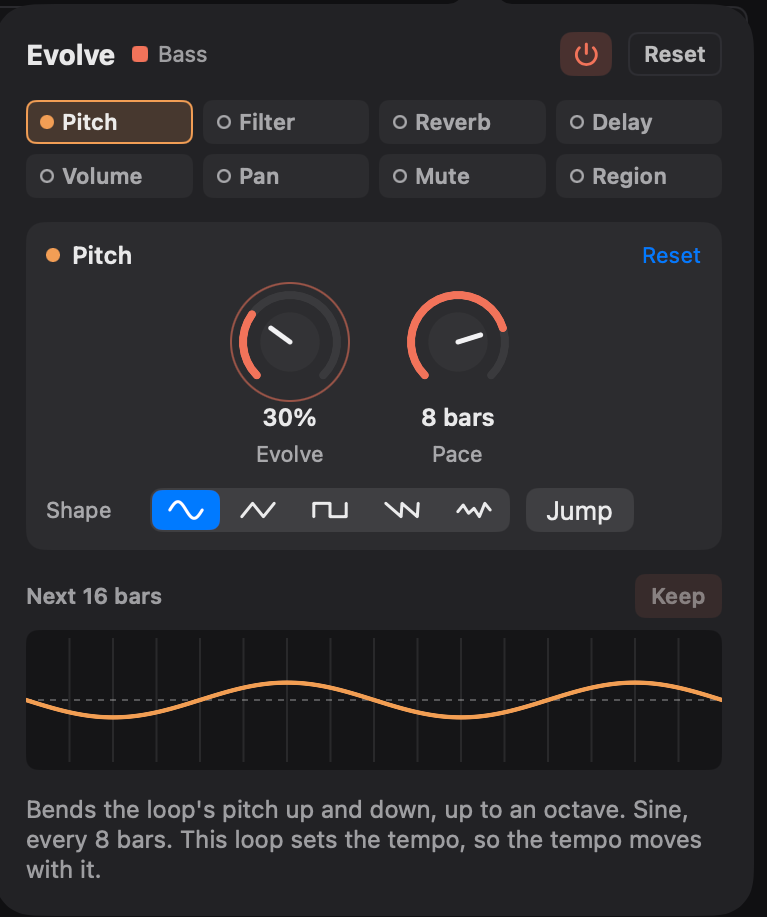
Screenshots
PNG, Retina size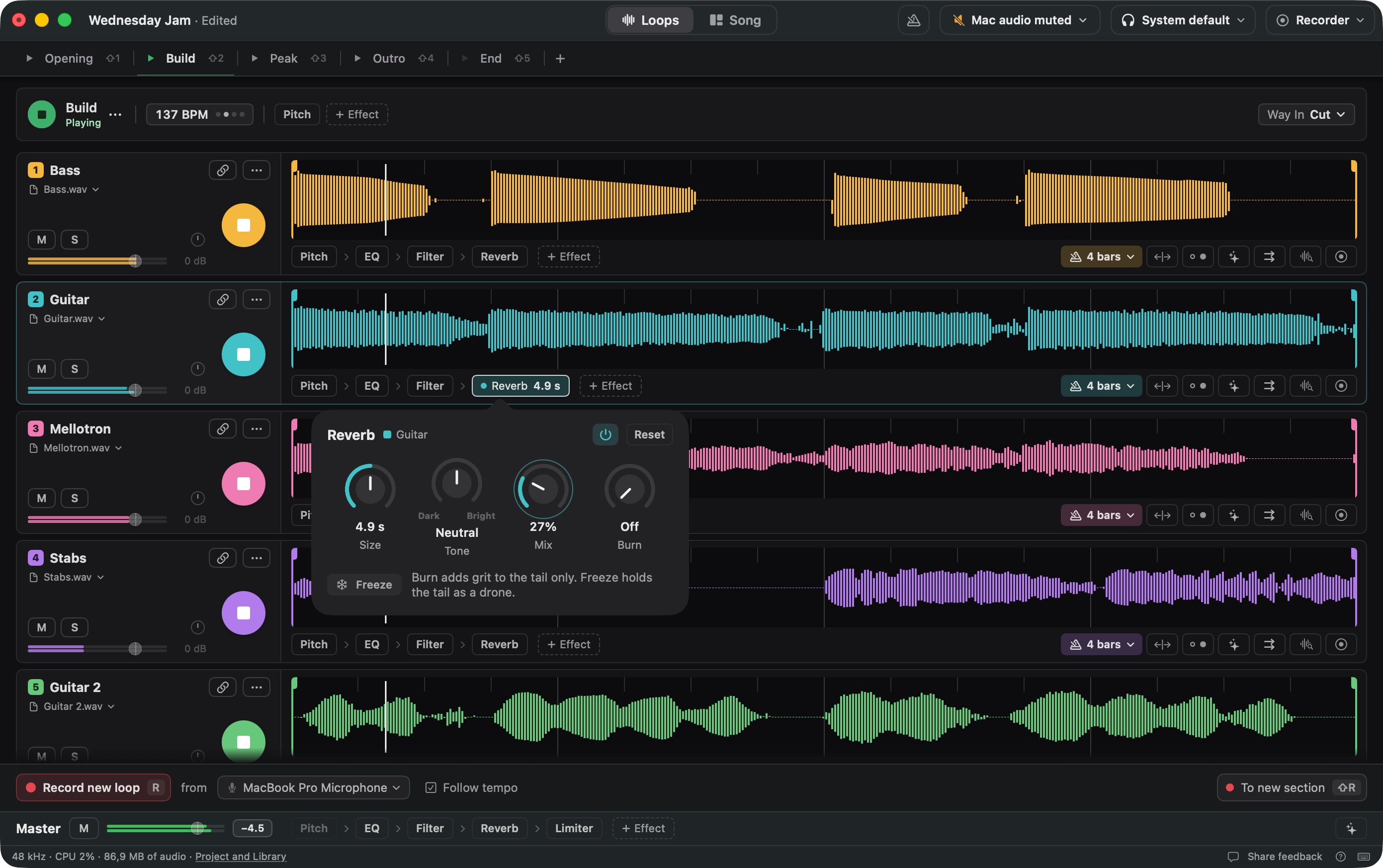
Logo and icon
Please keep them as they are
Writing about WaveLooper?
Writing a review, making a video or playing it on a show? During the beta every feature works without a licence, so you can download it from the website. Tell us what you plan, and we answer by email.
Or write to info@wavelooper.com.